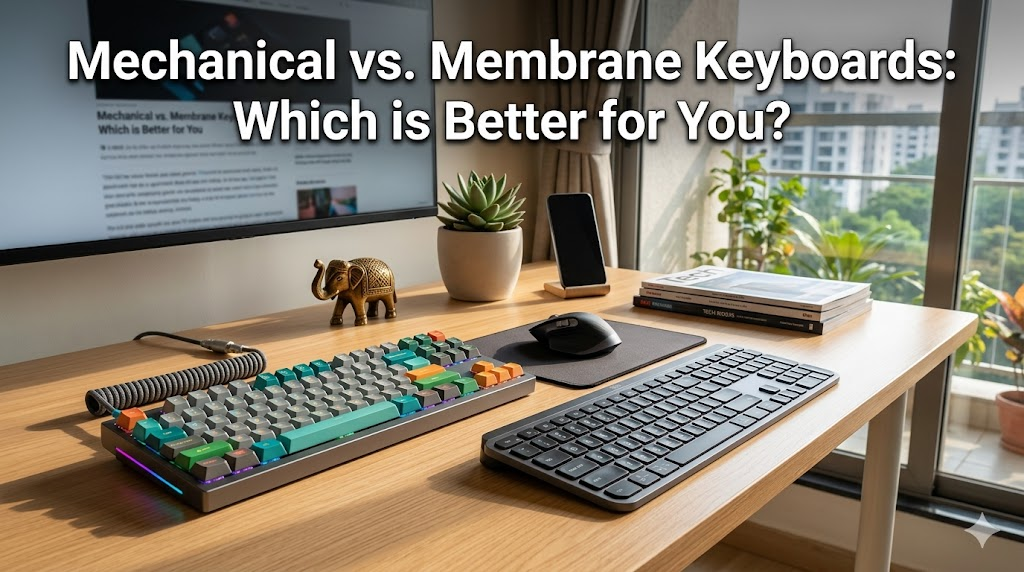
When it comes to upgrading your computer setup, choosing the right keyboard is one of the most important decisions you will make. The debate between mechanical keyboards and membrane keyboards has raged for years, and the right choice ultimately depends entirely on your specific needs, budget, and typing habits.
If you are struggling to decide which type of keyboard is best for your daily routine, here is a complete breakdown of the key differences between mechanical and membrane switches.
What is a Mechanical Keyboard?
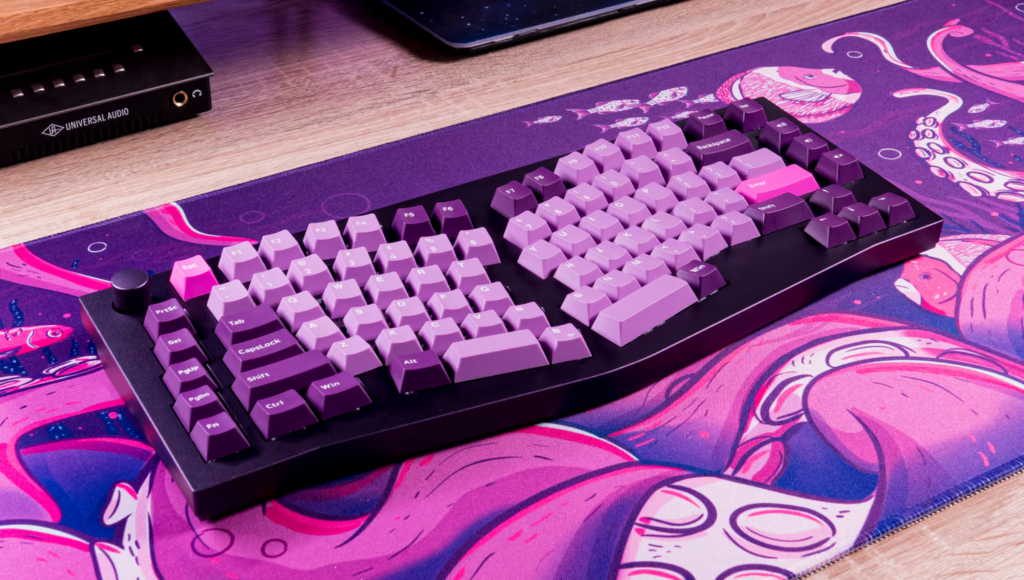
A mechanical keyboard uses individual, physical switches beneath every single key. When you press a key, the mechanism physically completes a circuit to register the keystroke.
Because they use actual moving parts, mechanical keyboards offer a massive variety of typing experiences. The feel and sound of the board are entirely dictated by the type of switches you choose:
- Linear Switches (e.g., Red): Smooth, quiet, and fast. Highly preferred by competitive gamers.
- Tactile Switches (e.g., Brown): Provide a noticeable physical “bump” when pressed, making them a favorite for heavy typists.
- Clicky Switches (e.g., Blue): Offer both a tactile bump and a loud, satisfying “click” sound.
What is a Membrane Keyboard?
A membrane keyboard does not use individual switches. Instead, it features a flexible rubber or silicone membrane layer spread across the entire board.
When you press a key on a membrane keyboard, the keycap pushes down on a rubber dome, which then makes contact with the printed circuit layer below to register the keystroke. This design is highly common in laptops and budget-friendly desktop keyboards.
The Key Differences at a Glance
1. Typing Feel and Feedback Mechanical keyboards are famous for their strong, highly responsive tactile feedback. You know exactly when a key is registered. Conversely, membrane keyboards can sometimes feel “mushy” because you are simply pressing down on a layer of rubber.
2. Durability and Lifespan Mechanical keyboards are built like tanks. Because they use individual, high-quality switches, they can easily last for up to 70 million keystrokes (often translating to a decade or more of heavy use). Membrane keyboards are much more prone to wearing out quickly, as the rubber domes naturally degrade and lose their bounce over time.
3. Sound Levels If you work in a shared office or have roommates, sound is a major factor. Membrane keyboards are significantly quieter than mechanical keyboards. However, you can make a mechanical keyboard relatively quiet by choosing linear switches and adding sound-dampening foam to the case.
4. Customization Mechanical keyboards offer endless customization. You can easily swap out the keycaps, change the switches (if the board is “hot-swappable”), and modify the internal acoustics. Membrane keyboards are generally “what you see is what you get,” with very little room for physical modification.
5. Price Because they require fewer parts and simpler manufacturing processes, membrane keyboards are incredibly cheap to produce and purchase. Mechanical keyboards are a larger initial investment due to the cost of the individual switches, metal backplates, and premium plastics.
Which Should You Choose?
Choose a Mechanical Keyboard If:
- You are a PC gamer who needs rapid, precise key presses and n-key rollover (the ability to press multiple keys at once without the board locking up).
- You are a programmer or writer who spends hours typing and wants ergonomic, tactile feedback to reduce finger fatigue.
- You love customizing your tech and want a board that will last for years.
Choose a Membrane Keyboard If:
- You are on a strict budget.
- You need an ultra-quiet keyboard for a shared workspace or library.
- You only use your computer for casual browsing and light, everyday tasks.