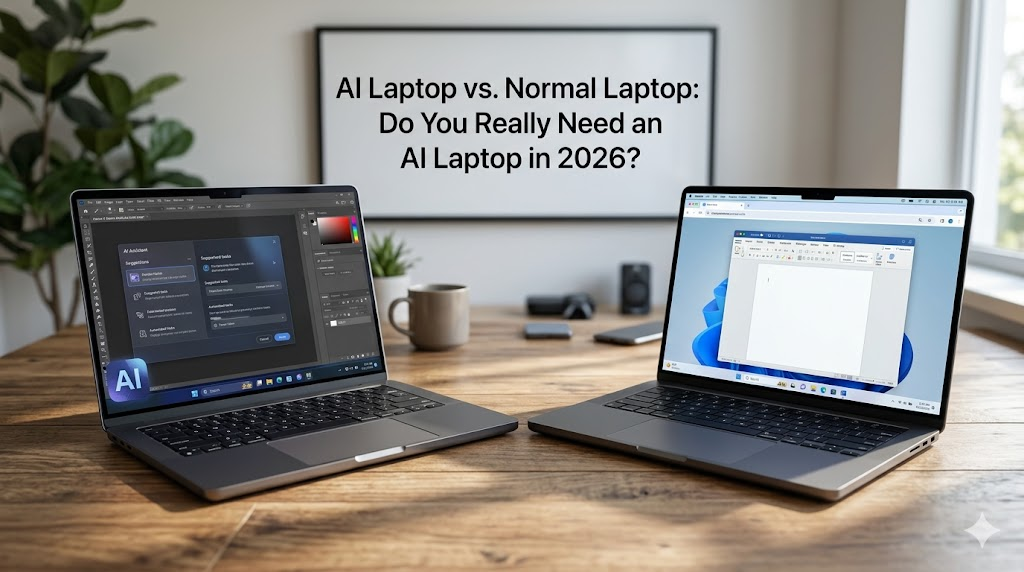
A few years ago, a laptop was just a laptop. You looked at the processor, the RAM, and the storage, and made your choice. But in 2026, the market is flooded with buzzwords like “Copilot+ PCs,” “AI-enabled chips,” and “Neural Processing Units.” It can be incredibly confusing, and it might make you feel like your perfectly good standard laptop is suddenly obsolete.
To clear the air, we are breaking down the real differences between an AI laptop and a normal laptop. Here is everything you need to know to decide whether an upgrade is actually necessary for your workflow this year.
What Exactly is an AI Laptop?
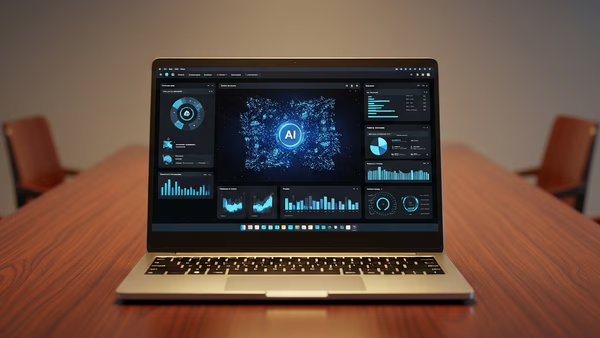
The defining feature of an AI laptop comes down to one specific piece of hardware: the NPU (Neural Processing Unit).
A traditional laptop relies on a Central Processing Unit (CPU) for general tasks and a Graphics Processing Unit (GPU) for visuals. An AI laptop adds a third chip completely dedicated to handling artificial intelligence tasks. This is vastly different from simply opening ChatGPT in your web browser. An NPU allows your laptop to run AI models locally right on the device, meaning you do not need an internet connection to send your data to the cloud.
However, just having an NPU doesn’t magically make a device a true “AI Laptop.” To earn that badge in 2026, the device must meet specific performance benchmarks to ensure it can handle heavy AI workloads instantly while preserving your battery life.
Copilot+ PCs: Microsoft’s New Standard
Because the term “AI PC” became too vague, Microsoft created a strict hardware certification known as the Copilot+ PC.
This isn’t just a marketing gimmick; it is a rigid hardware requirement. For a Windows laptop to wear this badge, its NPU must be capable of performing at least 40 TOPS (Tera Operations Per Second). These machines are built to run Windows 11’s AI features locally, such as Recall (which lets you scroll back through your past screen activity like a photographic memory) and real-time live captions for any audio source.
If you are buying a Windows laptop in 2026 that claims to be an “AI PC” but lacks the Copilot+ badge, you are likely getting older hardware that cannot run the newest local features efficiently.
AI Laptops vs. Normal Laptops: A Quick Comparison
To help you understand the core differences, here is how modern AI laptops stack up against standard high-performance laptops.
| Feature | AI Laptop (NPU-Equipped) | Normal Laptop (CPU/GPU-Focused) |
| Best For | Productivity, local AI tasks, content creation on the go. | Heavy gaming, 4K video rendering, basic web browsing. |
| Battery Life | Exceptional. The NPU handles smart tasks efficiently without draining power. | Lower when running smart features, as it relies on power-hungry CPU/GPU cores. |
| Privacy | High. Data for AI tasks (like transcription or image generation) stays on the device. | Lower. Relies heavily on cloud servers to process AI queries. |
| Hardware Strengths | Efficient local AI processing (Neural Engine/NPU). | Raw graphical power (e.g., NVIDIA RTX series dedicated graphics). |
| Limitations | Higher price premium; some ARM-based chips may struggle with older legacy software. | Feels dated for general productivity; lacks deep OS-level AI integrations. |
Are MacBooks Considered AI Laptops?
Apple traditionally avoids industry buzzwords, so you won’t hear them call it an “AI Laptop”—but yes, modern MacBooks are absolutely AI laptops.
Apple has been integrating “Neural Engines” (their term for NPUs) into their silicon since the original M1 chip. With the widespread rollout of Apple Intelligence, Macs with M1 chips or newer operate as fully capable AI machines. They run local models for writing assistance, image generation, and Siri upgrades seamlessly. Because Apple controls both the hardware and the software, this integration often feels incredibly smooth.
Are AI Laptops More Secure?
In many ways, yes. Running AI tasks locally means your sensitive data does not need to be beamed to a server in another country for processing. This drastically reduces your data exposure during tasks like document analysis, voice transcription, or image recognition.
However, security still fundamentally relies on good user behavior and operating system updates. An AI laptop is not a magic shield against malware if the system is poorly managed.
The Final Verdict: Do You Really Need an AI Laptop in 2026?
Yes, you should buy an AI laptop if:
Your daily workflow involves endless meetings, heavy research, writing, or content creation. An AI laptop will save you massive amounts of time through real-time assistance, keep your data private, and offer phenomenal battery life. It is also the best choice if you plan to keep your device for several years, as operating systems will only continue to shift more features on-device.