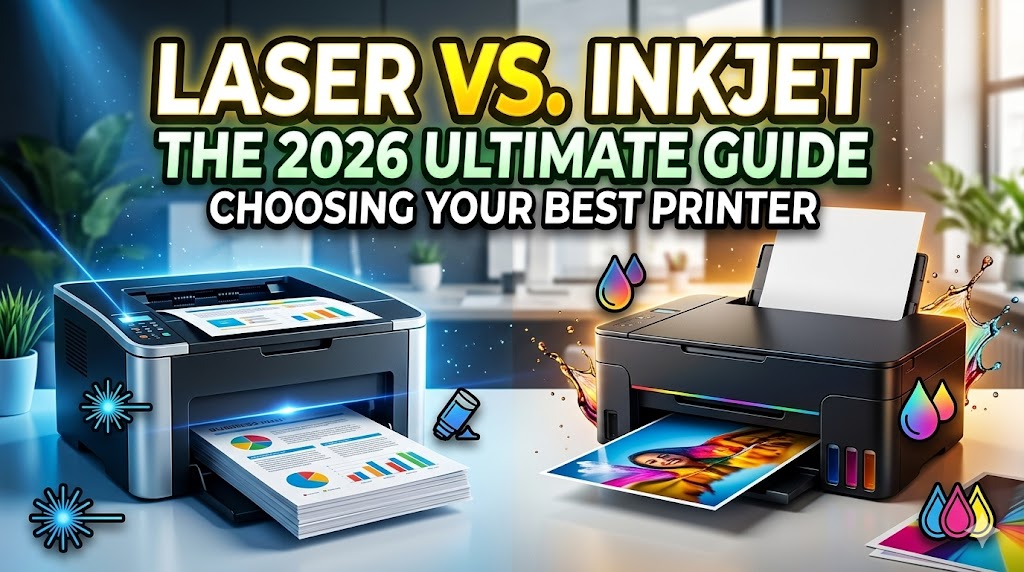
When shopping for a new printer in 2026, the technology landscape has shifted significantly. While the “Inkjet vs. Laser” debate is decades old, modern features like refillable ink tanks and ultra-fast laser fusing have made the choice more nuanced than ever. Whether you’re a student prepping for the new semester, a remote professional managing contracts, or a creative printing high-res photography, choosing the right “engine” for your prints is the first step to success.
The Core Difference: Ink vs. Toner
The fundamental distinction lies in the physical medium used to create your documents:
- Inkjet Printers: Use liquid ink droplets sprayed through microscopic nozzles. This liquid base is superior for color blending and photo reproduction.
- Laser Printers: Use a laser beam to create an electrostatic image on a drum, which attracts toner (a fine, plastic-based powder). Heat then fuses that powder onto the paper.
Side-by-Side Comparison: Which Suits Your Needs?
| Feature | Inkjet Printer | Laser Printer |
|---|---|---|
| Best For | Photos, High-quality graphics, Low-volume | Text-heavy documents, Business reports, High-volume |
| Print Speed | 5–15 ppm (typically slower) | 20–40 ppm (fast & efficient) |
| Upfront Cost | Lower initial investment | Higher initial investment |
| Long-term Cost | Higher (standard carts) / Lowest (Tank models) | Consistent, low cost-per-page |
| Maintenance | Risk of ink drying if unused | Toner is stable and won’t dry out |
Print Quality: Where Each Technology Shines
Inkjet: The Color Champion
Inkjet printers excel at producing vibrant, gallery-quality color images. Because liquid ink can bleed slightly into the fibers of the paper (especially specialized photo paper), the color gradients are much smoother.
- Ideal for: Marketing materials, artistic projects, and photography.
- 2026 Update: The rise of HP Smart Tank models has virtually eliminated the “expensive ink” argument for high-volume color users.
Laser: The Precision Master
Laser printers are the kings of crispness. Since the toner is fused on top of the paper rather than soaking in, the letterforms are sharper and smudge-resistant the moment they exit the tray.
- Ideal for: Contracts, legal papers, and large-batch black and white printing.
- Color Laser Note: While efficient for office graphics, color laser printers still lack the color gamut required for professional photography.
Professional Tips & Safety Considerations
To ensure your hardware lasts well into the future, follow these expert guidelines:
- Prevent Clogging: If you own an inkjet, the FDA doesn’t regulate ink, but your manufacturer does! To prevent the liquid from drying, print at least one color page per week.
- Toner Handling: Laser toner is a very fine powder. If a cartridge leaks, do not use hot water to clean it off your skin or clothes—heat “sets” the toner permanently. Use cold water and a dry cloth.
- Ventilation: High-volume laser printing can generate heat and a slight ozone smell. Ensure your home office has adequate airflow, especially during 100+ page print runs.
- Recycling: According to the EPA, electronic waste is a growing concern. Utilize programs like HP Planet Partners to recycle your used cartridges and toners for free.
Conclusion
The right choice depends on your “Print Personality.” If you are a casual user who wants the flexibility to print high-res family photos, an Inkjet is your best bet. If you are a “text-heavy” user who values speed, efficiency, and zero-maintenance reliability, a Laser printer remains the professional gold standard. In 2026, both technologies have become greener and more connected than ever, ensuring that whatever you choose, your future possibilities are only a print-job away.