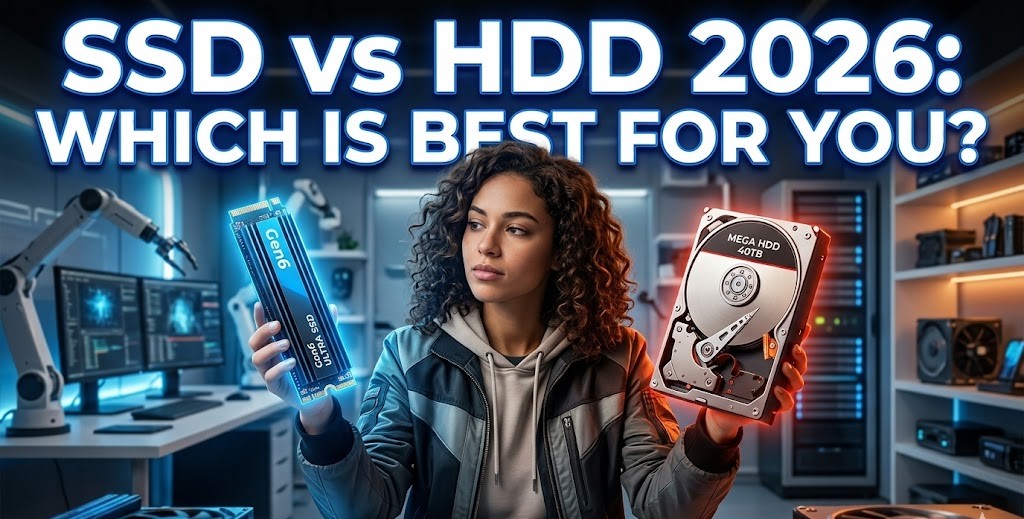
Let’s be honest—storage used to be one of those boring tech decisions nobody really cared about. You bought a computer, it had a hard drive, and that was that. Fast forward to 2026, and storage has become one of the most important factors shaping how fast, smooth, and enjoyable your digital life feels. Whether you’re booting up your laptop for work, launching a massive open-world game, editing 4K videos, or just trying to open a browser without waiting, your storage choice plays a huge role behind the scenes.
This is where the SSD vs HDD debate comes in. Solid-state drives (SSDs) and Hard disk drives (HDDs) both store your data, but they do it in radically different ways. Those differences affect speed, durability, cost, and even how long your laptop’s battery lasts. In 2026, with software becoming heavier and workloads more demanding, choosing the wrong storage can feel like trying to run a marathon in flip-flops.
In this guide, we’re going to break everything down in plain, human language to help you decide what makes sense for you in 2026.
Understanding Storage Basics
Before we compare SSDs and HDDs head-to-head, it helps to understand what they actually are and how they behave.
What Is a Hard Disk Drive (HDD)?
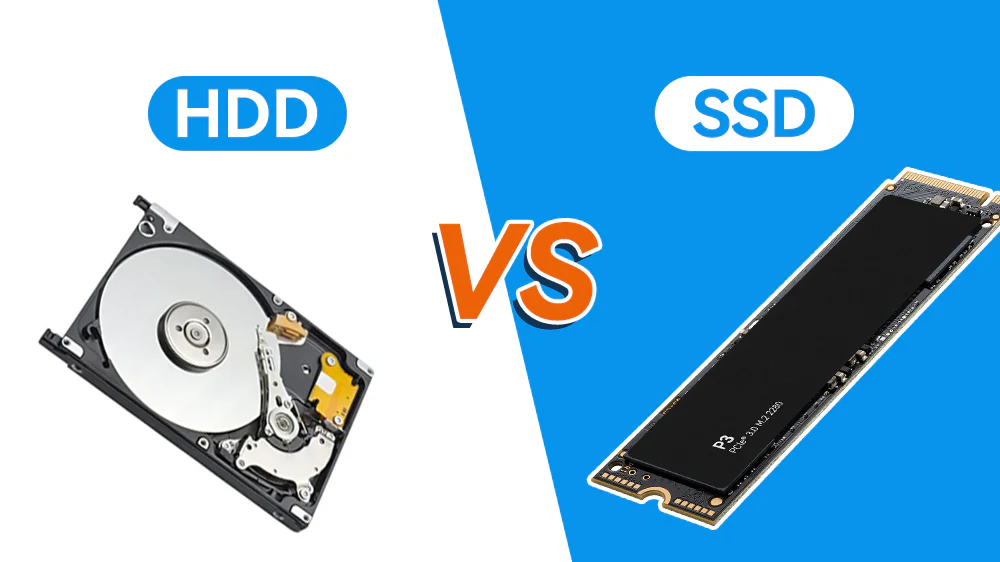
A Hard Disk Drive is the old-school workhorse of data storage. Inside an HDD, you’ll find spinning metal disks called platters. These platters rotate at high speeds while a tiny mechanical arm moves back and forth to read and write data—much like a traditional record player.
Because HDDs rely on moving parts, they’re naturally slower than modern storage options. Every time your computer needs a file, the drive has to physically locate it on the spinning disk. However, HDDs have one massive advantage: storage capacity at a low cost. In 2026, you can still buy multi-terabyte HDDs for a fraction of the price of high-capacity SSDs, making them incredibly appealing for bulk media libraries, backups, or archives.
What Is a Solid State Drive (SSD)?
SSDs are the sleek, modern alternative to HDDs. Unlike HDDs, SSDs have absolutely no moving parts. Instead, they store data on flash memory chips.
Because there’s no spinning disk or mechanical arm, SSDs can access data almost instantly. This results in dramatically faster boot times, quicker application launches, and smoother overall performance. By 2026, NVM Express (NVMe) SSDs, which connect directly to the motherboard, offer mind-blowing speeds that older storage solutions simply can’t compete with.
Performance Comparison: Speed That Changes Everything
An HDD is strictly limited by physics. The spinning platters and moving read/write head introduce latency every time data is accessed. SSDs operate more like active memory than storage, accessing data instantly without waiting for anything to spin or move.
Boot Times and System Responsiveness
Boot time is often the first thing people notice. A system running on an HDD might take anywhere from 45 seconds to over a minute to fully boot. In contrast, an SSD-powered system often boots in under 10 seconds. On an HDD, opening settings, launching apps, and searching for files can feel sluggish, with occasional freezes. On an SSD, everything feels fluid, almost like the system is anticipating your next move.
Read and Write Speeds Explained
- HDDs: Typically max out at around 100–200 MB/s under ideal conditions.
- SSDs: Even entry-level SATA SSDs hit 500+ MB/s, while modern NVMe SSDs in 2026 can easily reach speeds between 3,500 MB/s to over 14,000 MB/s.
Real-World Performance Scenarios:
- Gaming: Faster level loads, smoother asset streaming, and fewer in-game stutters.
- Professional work: Quicker renders, faster imports, and less waiting.
- Everyday use: Snappier browsing, instant app launches, and smoother multitasking.
Storage Capacity and Cost
Speed is exciting, but capacity is practical. No matter how fast your storage is, it won’t help much if you’re constantly running out of space.
- HDD Advantages: In 2026, 4 TB, 8 TB, and even larger HDDs are readily available and highly affordable. They are perfect for media libraries, file servers, and long-term archives.
- SSD Capacity Growth: 1 TB and 2 TB SSDs are now mainstream and affordable. However, SSD prices still rise steeply for massive capacities.
Durability, Noise, and Efficiency
Storage isn’t just about speed and size—it’s also about trust and physical design.
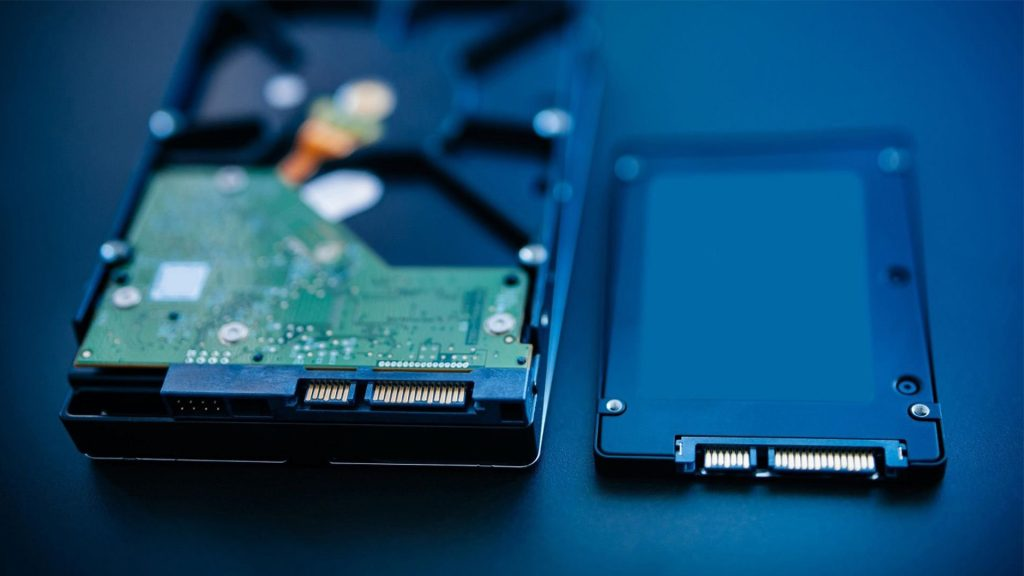
- Durability: HDDs are fragile. The spinning disks don’t react well to shocks or drops. SSDs have no moving parts, making them far more resistant to physical damage, which is vital for laptops.
- Noise and Heat: HDDs generate noticeable noise (whirring and clicking) and heat due to friction. SSDs run completely silent and much cooler, helping maintain optimal system temperatures.
- Power Consumption: SSDs consume significantly less power than HDDs. This translates into longer battery life—sometimes by hours—making them mandatory for modern ultra-thin laptops. Physical M.2 form factors allow manufacturers to design slimmer, lighter devices.
Gaming and Creative Workloads
In 2026, games are larger, more detailed, and more demanding than ever. Faster storage allows games to stream assets in real time, reducing pop-ins and texture delays. Some modern games now require SSDs to function properly.
For creative professionals (like 4K/8K video editors and photographers), storage is a productivity tool. SSDs allow smoother timelines, faster scrubbing, quicker exports, and lightning-fast batch edits.
Final Verdict: Hybrid Solutions Are Often Best
The SSD vs HDD debate isn’t about declaring a single winner—it’s about choosing the right tool for the job. In 2026, the smartest choice for most power users is a balanced, hybrid setup.
Using an SSD for your operating system and frequently used programs ensures lightning-fast performance, while pairing it with a high-capacity HDD for media files, backups, and archives keeps costs down. That way, you get a system that feels fast, reliable, and future-ready—without overspending.
Frequently Asked Questions
1. Is an SSD worth it over an HDD in 2026? Yes. For performance, responsiveness, and day-to-day reliability, SSDs are absolutely worth the investment.
2. Can an HDD still be used as primary storage? It can, but it is highly discouraged for modern operating systems unless your budget is extremely limited. Your computer will feel noticeably sluggish.
3. How long do SSDs last compared to HDDs? Modern SSDs last many years under normal use and often outlive traditional mechanical HDDs, as they have no moving parts to break down over time.
4. Which is better for gaming, SSD or HDD? An SSD is vastly superior for gaming, specifically for reducing load screens and preventing asset-streaming stutters in modern titles.
5. Should I use both an SSD and HDD together? Yes. A hybrid setup (SSD for Windows/Apps and an HDD for bulk file storage) offers the best balance of blazing speed and affordable high capacity.