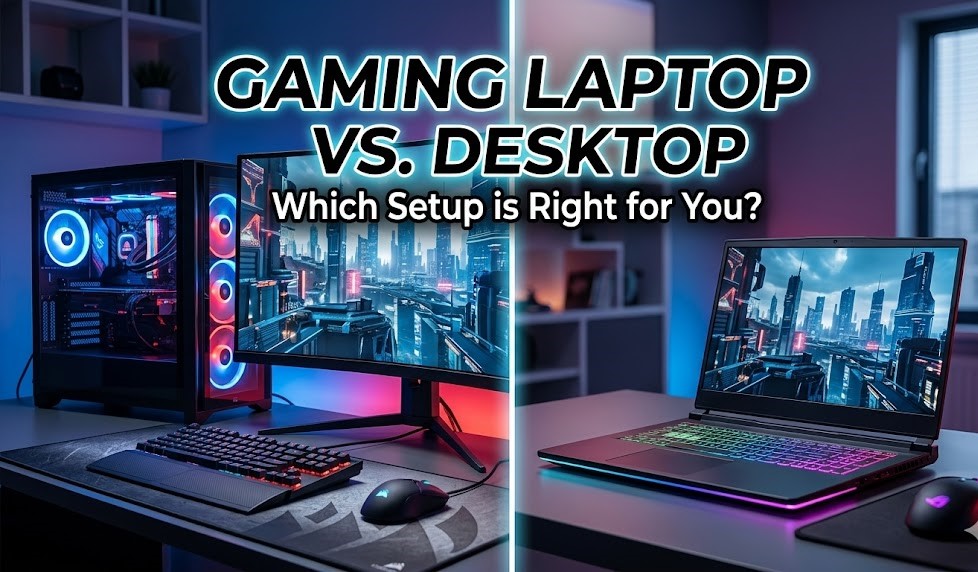
Choosing between a gaming laptop and a gaming desktop can be a genuinely tough call for today’s PC gamers. While desktops were once the default choice, we now live in an age where powerful gaming laptops hit the market frequently, making the decision much closer.
Ultimately, the choice comes down to what you want from your gaming experience. Here is a breakdown of how today’s gaming laptops and desktops compare across the most important categories to help you build your ideal setup.
Power and Performance
When it comes to sheer computing horsepower, there is still a noticeable divide, though it is shrinking.
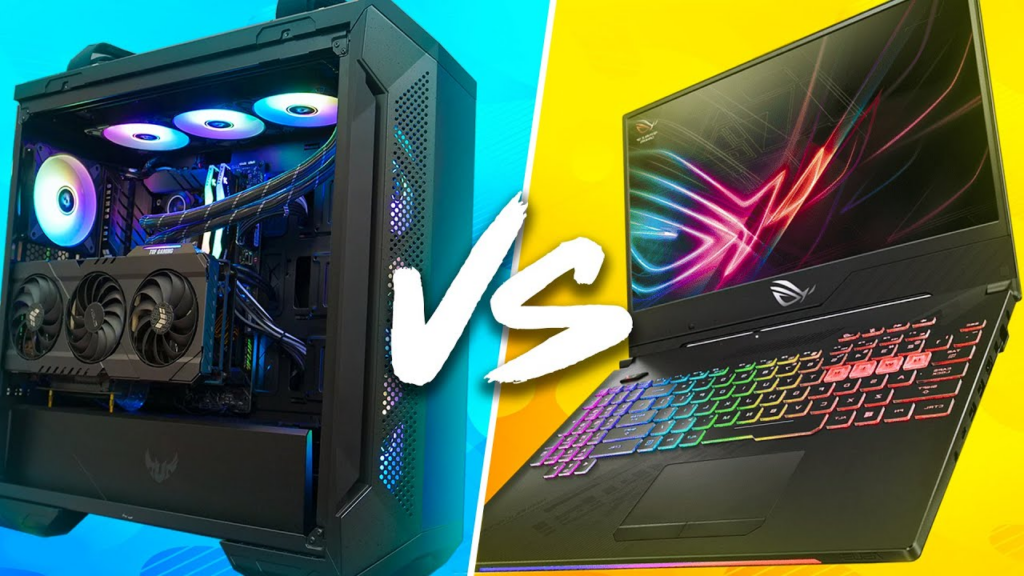
- Desktops: Desktops still hold the edge in raw power. Larger components, higher wattage, and superior airflow allow them to deliver stronger graphics, higher frame rates, and more multitasking capability. They are the better choice for top-tier Graphics processing unit (GPU) performance, overclocking, and liquid cooling.
- Laptops: Today’s gaming laptops have closed much of the gap thanks to highly efficient RTX 40 and 50-series GPUs, alongside AI upscaling technologies like DLSS 3.5 and FSR 3, offering smooth frame rates in a portable package.
Portability and Footprint
- Laptops: If you need to game in a dorm room, a small apartment, or take your computer to class and coworking spaces, a laptop is unmatched. It saves space by eliminating the need for a separate tower, monitor, and keyboard.
- Desktops: Naturally stationary. However, if space is your only concern, small form factor (SFF) desktop PCs utilizing micro-ATX and mini-ITX motherboards can pack massive power into a much smaller footprint.
Display and Peripherals
Both platforms offer excellent display options, but they cater to different needs.
- Laptops: Come with built-in screens—with 1440p QHD being the modern sweet spot and high-end models offering 4K OLED and high refresh rates. You are locked to this screen while traveling, though you can easily connect to an external monitor at home.
- Desktops: Built for easy multi-monitor setups and top-tier GPU pairing, making them much better suited for Virtual reality (VR), AR, and future monitor upgrades.
Price and Long-Term Value
Most gaming laptops and desktops fall between $1,500 and $2,500, with entry-level systems starting around $1,000.
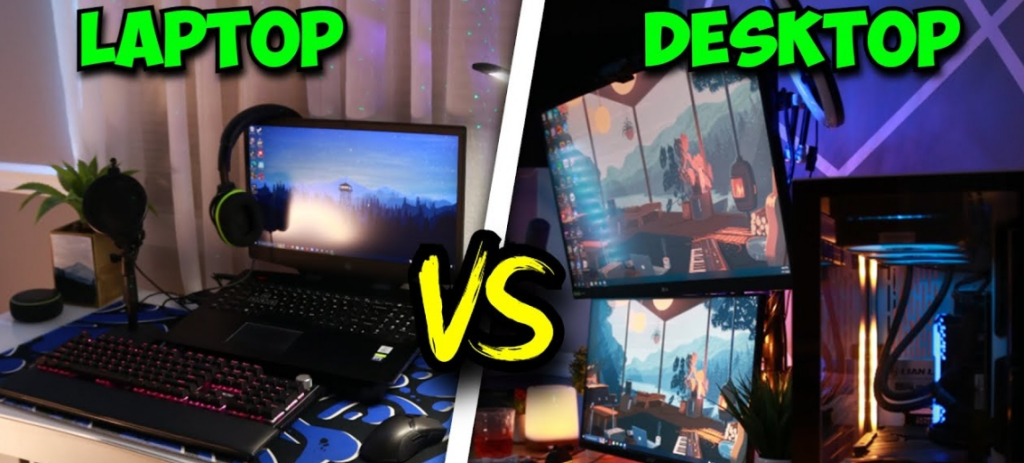
- Desktops: Usually deliver more performance for the price. However, users must purchase peripherals (monitor, keyboard, mouse) separately, which can easily add $300 or more to the initial setup cost.
- Laptops: Factor in the high costs of compact design and portability, but they include your display and keyboard right out of the box.
Customization, Upgrades, and Ports
- Upgrades: Desktops offer vastly superior upgrade options, extending their lifespan by letting you swap out GPUs, CPUs, or cooling systems as technology advances. Most gaming laptops restrict upgrades entirely to RAM and storage.
- Connectivity: Larger desktop motherboards allow for diverse configurations like Thunderbolt 5, multiple M.2 storage slots, and dedicated audio outputs. Laptops provide fewer ports due to size constraints but still reliably cover modern essentials like HDMI 2.1, USB-C/USB4, and Wi-Fi 7.
The Impact of Cloud Gaming
The rise of Cloud gaming services like NVIDIA GeForce NOW, Xbox Game Pass Ultimate, and Amazon Luna is changing the hardware conversation. Because these platforms stream games directly from powerful remote servers, your local hardware matters much less.
This levels the playing field for laptops, allowing portable machines to tap into server-grade GPUs for high-end visuals. However, if you play competitive esports titles where low latency and maximum consistency matter, local hardware (a desktop or high-end laptop) remains the superior choice.