Traditionally, sitting is the default posture for computer work. However, as the “sitting is the new smoking” narrative takes hold, more professionals are looking for ways to stay active. To switch between sitting and standing, you generally have two choices: a full standing desk or a desk converter.
While electric adjustable standing desks are incredibly common in 2026, the budget-friendly desk converter remains a popular alternative. But is it actually effective? This guide breaks down the pros and cons of each to help you find the setup that best fits your workflow.
Why Stand at Work?
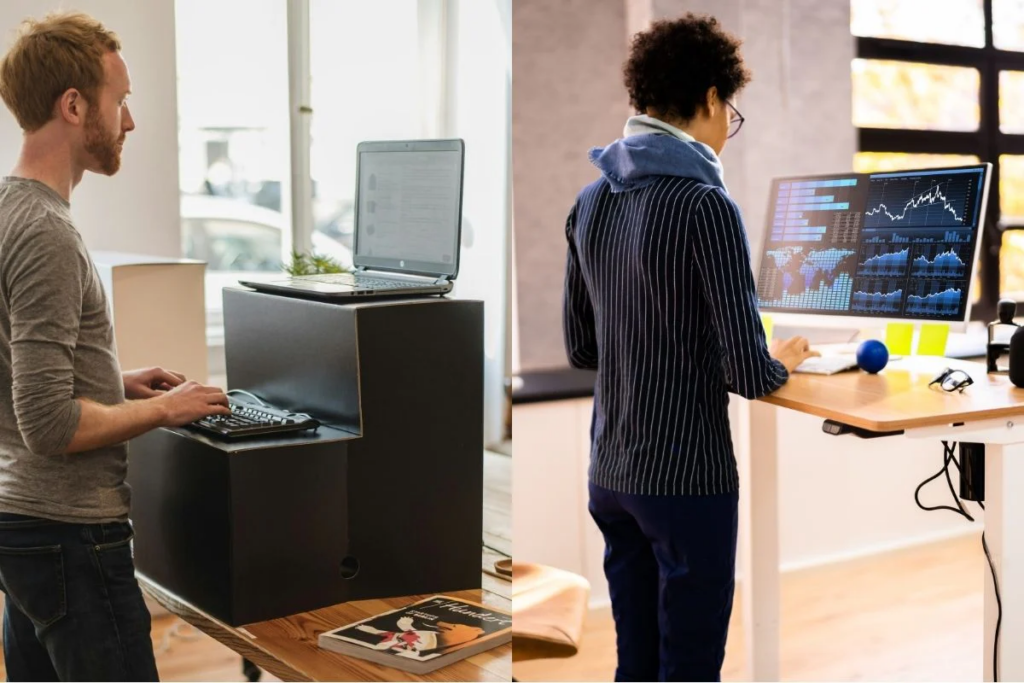
More people are rethinking their office environment to prioritize health. Prolonged sitting is linked to a variety of issues, including physical pain like sciatica and coccyx discomfort, and even “office chair butt.”
Beyond physical comfort, recent research from the Mayo Clinic on active workstations suggests that moving while working can actually boost brain power and improve reasoning scores. Standing office work promotes better blood circulation and prevents the metabolic sluggishness caused by staying sedentary for eight hours a day.
Market Insight: According to latest reports fromGlobal Market Insights, the standing desk market is expected to reach $9.1 billion in 2026, as more remote workers seek to recreate the ergonomic environments of modern corporate offices.
The Full Standing Desk (Electric)
These desks replace your existing setup entirely and can be adjusted with the touch of a button.
The Pros
- Speed: Switch positions in 1–2 seconds with an electric motor.
- Total Customization: Adjust height to the exact millimeter to keep your wrists and monitor perfectly aligned.
- Desktop Real Estate: Accommodates multiple monitors, keyboards, and accessories that a converter simply can’t hold.
- Stability: Steel frames support heavy equipment (up to 120kg) without shaking.
The Cons
- Higher Cost: A significant investment compared to a simple riser.
- Installation: Usually requires 30–40 minutes of assembly.
- Requirements: Some corporate offices may require approval before you swap out company furniture.
The Desk Converter
These are units you place directly on top of your existing traditional desk.
The Pros
- Budget-Friendly: Significantly cheaper than a brand-new desk.
- Portable: Easy to move if you frequently change work locations or work from different rooms.
- Zero Setup: Most converters require no assembly and can be used immediately.
The Cons
- Space Constraints: Often too small for dual-monitor setups or extra desk accessories.
- Instability: Many models tend to shake or vibrate while typing.
- Manual Effort: Most require manual lifting and lowering, which can be cumbersome.
Head-to-Head: At a Glance
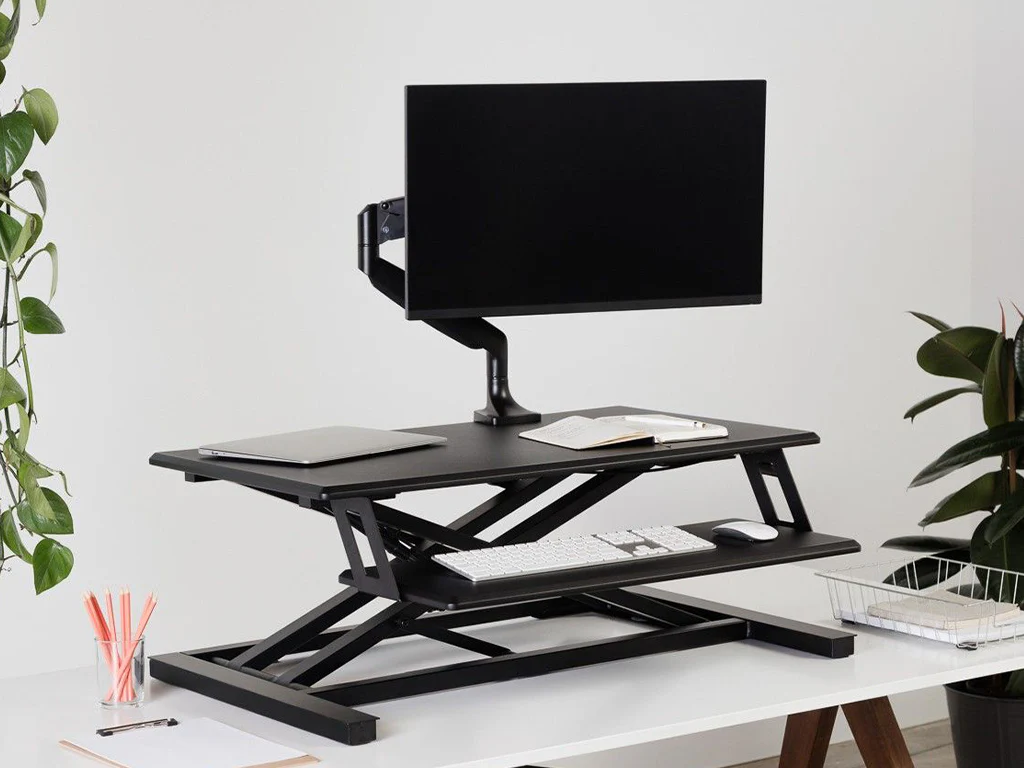
| Feature | Height-Adjustable Desk | Desk Converter |
| Adjustment Type | Electric (One-button) | Manual / Hydraulic |
| Switching Speed | Extremely Fast | Relatively Slow |
| Desktop Space | Full Surface | Small / Limited |
| Stability | High (Steel Frame) | Medium / Low |
| Cost | Medium – High | Low – Medium |
| Ideal For | Long-term WFH, Multi-monitor | Temporary setups, Travel |
Product Highlight: Boulies Magvida
For those looking for a premium experience, the Boulies MagVida standing desk stands out in 2026 for its efficiency:
- Fast Setup: Can be assembled in as little as 10 minutes.
- Magnetic Storage (EMO™ System): Uses magnetic trays, straps, and hooks to keep cables and headsets tidy.
- Quiet Operation: Dual motors run at less than 45 decibels, quieter than a standard office hum.
- High Capacity: Supports up to 120kg, meaning it can easily handle a heavy PC and multiple monitors.
Expert Insight
According to experts, the goal isn’t just to stand—it’s to avoid staying in any one position for too long.
“Standing helps adjust the lumbar curve to a neutral position, which helps relieve back pain,” says expert Arnold.
Bove adds that the most important habit is to “change postures at least once an hour.”
Which One is Right for You?
Choose a Standing Desk if: You have a dedicated home office, use multiple monitors, want a permanent ergonomic solution, and have the budget for a long-term investment.
- Choose a Desk Converter if: You are on a budget, have a temporary workspace, need something portable, or aren’t allowed to replace your current desk.
If you’re ready to make a long-term investment in your health, a standing desk is clearly the more robust choice. However, a converter is a great “gateway” to a more active workday.